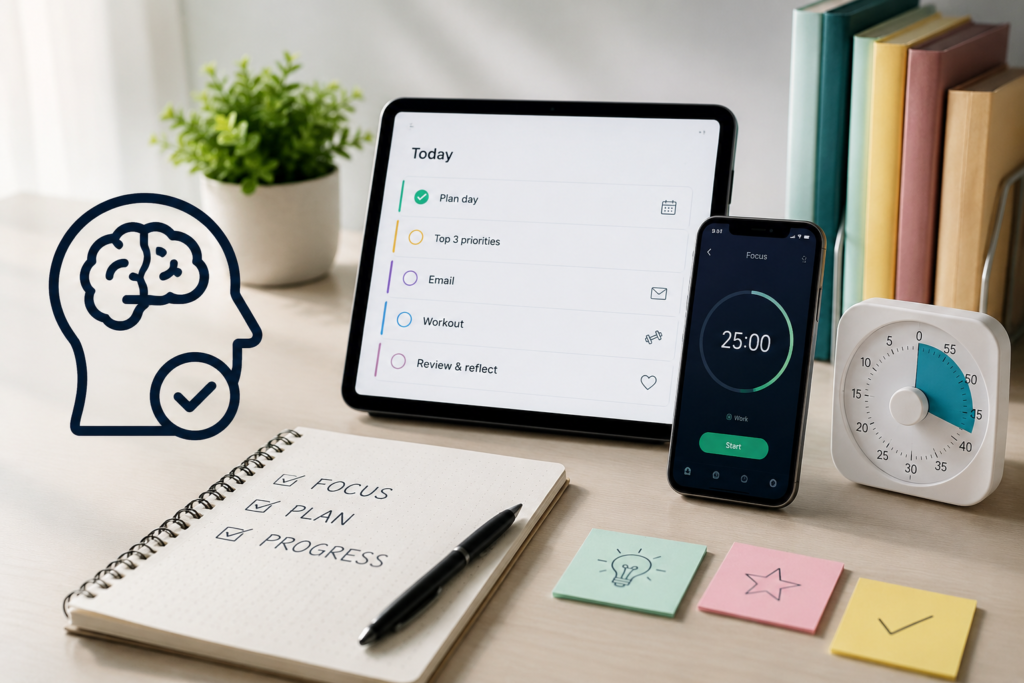
These tools perform different jobs. Before buying anything, identify one recurring problem and try the simplest available option for that problem. Your existing calendar, a sheet of paper or a spare container may be enough to start.
This guide compares digital apps, paper planners and physical systems. They are organisational supports, not ADHD diagnostic tools or substitutes for appropriate healthcare.
Choose by the problem you want to solve
| Recurring difficulty | Option to explore | First thing to check |
|---|---|---|
| You forget appointments or deadlines. | Your existing calendar or a task app with reminders. | Can you create a reminder and receive it on the device you actually use? |
| You collect tasks but struggle to begin them. | A smaller starting action, a scheduled check-in or virtual coworking. | Does the arrangement help you attempt the task without creating another barrier? |
| You cannot see how commitments fit into the day. | A visual daily planner or calendar layout. | Can you include travel, preparation, breaks and interruptions? |
| You want an overview without opening another app. | An open paper planner or visible written list. | Will you notice it where you normally begin work? |
| Keys, bags or paperwork repeatedly go missing. | A designated drop zone or labelled storage. | Is returning the item easy at the point where you normally put it down? |
| Project notes and tasks are scattered. | A simple shared location for notes and actions. | Can you retrieve information without building a complicated system? |
Difficulty starting, remembering or organising is not unique to ADHD. This table helps you choose a practical experiment; it does not identify the cause of your difficulties.
How this comparison was prepared
This is a desk-researched comparison of publicly documented features and practical trade-offs. It is not a hands-on product test, a clinical evaluation or a ranking of proven ADHD outcomes.
The selection criteria are:
- Purpose: What specific job does the tool perform?
- Prompt: Does it provide an alert, a visible cue or a scheduled appointment?
- Maintenance: What must you enter, review or put away?
- Access and cost: Is there a free option, and which features require payment?
- Limitations: What problem will it leave unresolved?
Product information was checked on 23 October 2026. Features, availability and subscription terms can change. Official pages are linked beside the relevant descriptions so you can check the current offering.
Comparison of apps, planners and physical systems
| Option | Potential use | Access or cost model | Main trade-off |
|---|---|---|---|
| Existing calendar or reminders app | Appointments, deadlines and simple alerts. | You may already have a suitable option on your device. | Entries and notification settings still need checking. |
| Todoist | Task capture, recurring work and reminders. | Free Beginner plan; paid plans add features. | A task list can accumulate more work than you can realistically do. |
| Tiimo | Visual daily planning. | Selected mobile features are free; Pro adds access and features. | Check the feature set on your platform before subscribing. |
| Focusmate | Scheduled virtual coworking. | Limited free use and a paid unlimited plan. | Requires a scheduled video session and a suitable setting. |
| Notion | Keeping project notes and task information together. | Free individual option and paid plans. | Customisation can add setup and maintenance. |
| Paper planner | A visible daily or weekly overview. | Use existing paper, print a template or buy a planner. | It cannot send an alert by itself. |
| Labelled containers | Giving belongings clear return locations. | Reuse containers or buy suitable storage. | Categories and placement need to suit how you use the space. |
| Departure station | Keeping items needed when leaving in one place. | Can use an existing tray, shelf or hook. | Needs a boundary so unrelated items do not accumulate. |
Digital tools: what each option can and cannot do
Todoist: for capturing tasks and organising recurring work
Todoist provides task lists, reminders and recurring due dates. Its official plan comparison lists task reminders in the free Beginner plan, with calendar layout, task duration and custom reminders among the Pro features.
Todoist also documents time blocking. If you want to place tasks into a schedule, check the required plan rather than assuming it is only a list app.
Try first: Capture a real task, schedule one recurring action and test a reminder. Check that the reminder reaches you under your normal device settings.
Watch for: Repeatedly moving a large overdue list to tomorrow. If this happens, separate genuine deadlines from flexible intentions and choose a smaller active list.
Tiimo: for exploring a visual daily plan
Tiimo describes itself as a visual daily planner combining planning, task lists and focus tools. Its official FAQ explains that selected features are free on iOS and Android, while web access requires an active trial or subscription. Local prices are shown through the relevant checkout.
Try first: Plan one ordinary part of your day, including preparation and a break. Check whether the visual view makes the sequence easier for you to understand.
Watch for: A plan that becomes crowded or assumes every activity will finish exactly on time. A visual schedule still needs realistic estimates and room to change.
The product’s design does not establish that it reduces ADHD symptoms or works better than another planner for you.
Focusmate: for scheduled virtual coworking
Focusmate pairs people for scheduled video coworking sessions. Its official guide describes sessions lasting 25, 50 or 75 minutes.
Its pricing page lists three free sessions per week and a paid unlimited option. Check the current billing terms before upgrading.
Try first: Choose a task with a clear starting action, prepare the materials and use a session to attempt it. Judge whether the appointment helps you begin, rather than expecting a particular amount of finished work.
Watch for: Discomfort with video, unsuitable surroundings or tasks involving confidential information. Keep private documents out of camera view and follow the service’s participation rules.
Virtual coworking is not tutoring, coaching or clinical care. This comparison does not establish that it treats ADHD or outperforms other starting strategies.
Notion: for keeping notes and project information together
Notion supports pages and databases that can hold project notes and task information. Its official pricing page includes a free individual plan alongside paid options with additional features and limits.
Try first: Create one page containing project notes and a short action list. Test whether you can find the next action when you return.
Watch for: Spending the available work session building dashboards, properties or templates. You can use a simple page without constructing a detailed workspace.
If notifications matter, verify their behaviour separately. Storing a deadline in a page is not the same as receiving a reminder.
Paper planners: compare layouts before buying
Paper can provide a visible overview away from a screen. It can also be misplaced or covered by other items. Digital tools can send alerts, but those alerts may be missed. Neither format is inherently better for every adult with ADHD.
Full Focus Planner: a structured option to inspect
Full Focus uses priority-setting formats, including a “Daily Big 3” in its published daily-page guide. However, layouts differ across editions, as the manufacturer’s comparison explains.
Inspect the exact edition’s sample pages, dimensions and coverage before buying. Consider whether you want its prompts and review sections, or whether fewer fields would be easier to maintain.
A priority section gives you space to choose what matters; it does not make that decision for you.
Passion Planner: check the specific dated or undated version
Passion Planner offers multiple formats. Its undated weekly range includes weekly and monthly layouts with reflection prompts. Other products have different structures.
An undated planner lets you label the dates yourself and leave gaps between uses. That flexibility does not demonstrate that it prevents abandonment or suits everyone.
Inspect sample pages for writing space, time-grid detail, portability and the number of sections you would actually use.
A no-purchase alternative
Before buying a planner, try a sheet of paper with these headings:
- Fixed commitments today.
- One main priority.
- The first action I can attempt.
- Other things to remember later.
- What needs rescheduling.
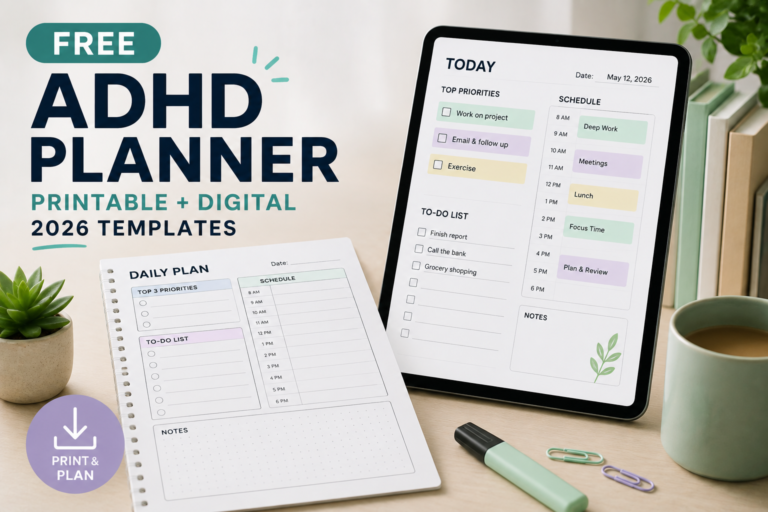
For reusable layouts, see our free planner resource. You do not need a branded planner to try a written system.
Physical organisation: reduce the work of putting things away
Labelled containers
Choose one recurring pile and create broad categories that match how you use its contents. For example, a desk might need separate places for current paperwork, spare cables and items to return elsewhere.
Clear containers let you inspect contents; opaque containers may suit someone who finds visible contents distracting. Neither is universally preferable.
Try first: Reuse a container, add a plain label and place it where the items tend to collect. Check whether returning an item is easy before buying matching storage.
Watch for: Categories that are too specific, containers that are awkward to reach or a sorting system nobody else in the household understands.
A departure station for daily essentials
Use a tray, hook or shelf for the items you regularly take out. Choose a location that fits where you naturally prepare to leave and keeps belongings appropriately secure.
Start with a small set of items, such as keys, wallet and work bag. A short departure checklist can cover things that cannot stay there, such as lunch in the fridge.
Watch for: The station becoming a general dumping area. Give unrelated objects another destination and keep the space limited.
For more examples, see our room-by-room organisation ideas.
A practical one-week trial before paying
The following is an informal personal trial, not a diagnostic test or a clinically validated evaluation. A week gives you an initial opportunity to notice usability problems; it cannot establish long-term effectiveness.
- Name one recurring problem. For example, “I forget to take my work badge,” rather than “I need to become organised.”
- Choose one change. Put the badge in a designated bag pocket, or add a departure reminder. Avoid changing several systems at once.
- Define the cue. Decide when you will notice or use the tool.
- Record what happens. Note the opportunities to use it, whether you used it and whether it addressed the problem.
- Review the effort. Consider time spent entering information, responding to alerts or maintaining the space.
- Keep, simplify or replace it. Change the part causing difficulty before buying a larger package or subscription.
| Question | Illustrative answer |
|---|---|
| What changed? | The badge now has a dedicated pocket in the work bag. |
| What is the cue? | Return the badge to that pocket when arriving home. |
| What happened? | The badge was in the bag on four of five work mornings. |
| What caused the missed occasion? | The student used a different bag the previous evening. |
| What will change next? | Add a badge check whenever switching bags. |
The example shows how to investigate a missed occasion. It is not a reported user result or evidence that this method will work for everyone.
Check costs, access and privacy before subscribing
- Required features: Confirm that the free or paid tier includes what you need.
- Total charge: Distinguish a monthly subscription from a monthly equivalent billed annually.
- Local checkout: Check currency, applicable taxes and differences between app-store and website purchases.
- Cancellation: Find the cancellation route and renewal date before starting a trial.
- Accessibility: Try text size, contrast, keyboard access and any assistive technology you use.
- Notifications: Test alerts under your normal focus, notification and device settings.
- Information handling: Review sharing, public links, integrations and deletion or export options before adding sensitive material.
- Paper products: Check shipping, import charges, returns and the exact edition.
A tool should not require you to store medical details to manage ordinary tasks. Follow your employer’s or institution’s rules when handling work or student information.
What the evidence supports—and what this guide cannot establish
The National Institute of Mental Health recommends practical strategies including writing down important information, prioritising time-sensitive tasks and breaking larger tasks into smaller steps.
A UK Adult ADHD Network occupational therapy consensus statement discusses individualised support for routines, organisation and everyday environments. It is professional consensus guidance, not a trial demonstrating that the named commercial products in this article are effective.
These sources support considering organisational strategies. They do not identify one best app, establish a preferred brand or show that combining several tools is necessary.
If difficulties continue to disrupt work, study or daily life, consider appropriate professional support. You can use organisational tools alongside care, but buying more software is not a substitute for an assessment or treatment when needed.
Choose your next step
Write down one recurring difficulty, choose one option that directly addresses it and test the simplest version available. Keep an appointment calendar as the source of truth for fixed commitments, and avoid copying the same information into several competing systems.
For related resources, explore our organisation and planning guide or browse the ADHD tools directory.


[…] Best ADHD Organization Tools […]