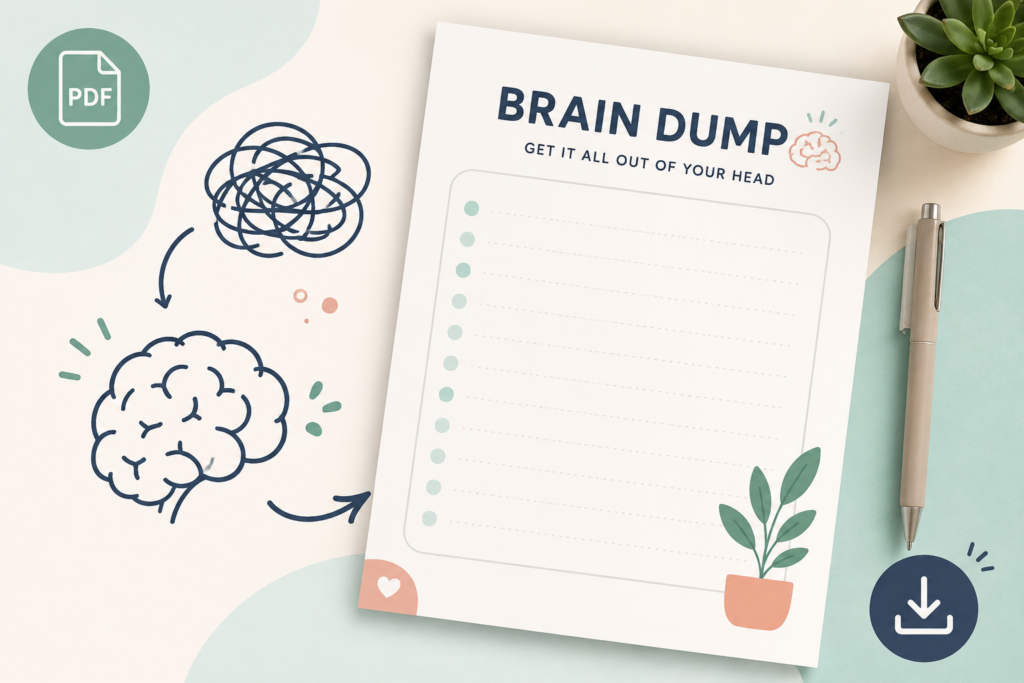
Use the worksheet below on paper or copy its headings into a private note. You do not need to capture every thought, complete every section or follow a daily schedule.
This is a general organisational resource. It has not been clinically validated and does not diagnose or treat ADHD, anxiety or another health condition.
Go to the worksheet | See a completed example | Troubleshoot common difficulties
What is a brain dump?
A brain dump is an informal name for recording things you are trying to remember or think through. It can include practical tasks, unfinished decisions, appointments, ideas and concerns.
The first stage is capture. The second is deciding what, if anything, to do with the information. Writing “renew passport” records the concern; checking the requirements and choosing a starting date turns it into a plan.
You can use paper, typing, dictation or another accessible method. The useful format is one you can record information in and find again.
Brain dump worksheet: capture, sort and act
The layout below matches the sections in the accompanying A4 and US Letter worksheets. It separates immediate actions, later commitments, follow-ups and items you do not need to act on now.
My brain dump
Date: ____________________
Next review: ____________________
1. Capture
Tasks, ideas, questions or worries. Fragments are fine; you can stop early.
__________________________________________________
__________________________________________________
__________________________________________________
__________________________________________________
__________________________________________________
2. Act next
Choose a manageable action. Check real deadlines before deciding.
__________________________________________________
__________________________________________________
3. Schedule or review later
Add an actual date or review cue where needed.
__________________________________________________
__________________________________________________
4. Ask or waiting
Who needs a message? When will you follow up?
__________________________________________________
__________________________________________________
5. Park or release
Ideas to keep, or items outside your responsibility.
__________________________________________________
__________________________________________________
My next visible action:
__________________________________________________
When and where:
__________________________________________________
If the page feels too large, use only “Capture” and “My next visible action.” The remaining sections are optional.
How to use the worksheet
Step 1: Record what you want to remember
Write fragments rather than polished sentences. “Dentist,” “essay question,” or “ask about invoice” is enough if you will understand it later.
You can use a short timer if a stopping point helps. Five minutes is an optional starting point, not a requirement or a promise that you will feel clearer afterwards.
You can also sort items as you write if that is easier. Capturing first and sorting afterwards is one approach, not the only correct method.
Step 2: Check deadlines and consequences
Before selecting an action, check which items have a real due date, appointment time or consequence. Confirm those details in the original message, calendar or instructions.
Transfer fixed commitments to the calendar or reminder system you actually use. A worksheet cannot notify you when an appointment is approaching.
Step 3: Give relevant items a destination
- Act next: An action you can realistically attempt.
- Schedule or review later: Something that needs a future date or another look.
- Ask or waiting: Something requiring information, agreement or a response.
- Park or release: An idea to keep without committing to it, or something that is not yours to resolve.
Check responsibilities before discarding an item. If a task belongs to someone else but affects you, it may need a message or follow-up rather than simply being crossed out.
Step 4: Choose a visible starting action
Start with one action you can recognise when you are doing it. “Open the assignment instructions and highlight the question” is clearer than “catch up with university.”
If you need more help dividing a project, explore our task breakdown tool.
Step 5: Decide when to look again
Write a review cue, such as “after tomorrow’s lecture” or “before Friday’s planning session.” Keep the page somewhere you can find it.
You do not need to copy every item into another system. Move only information that needs a reminder, a scheduled action or a more permanent home.
Worked example: turning a mixed list into next steps
Illustrative example: A student records an assignment deadline, a household problem, an unanswered message and a worry about a grade. These entries need different responses.
| Captured item | Destination | Practical next step |
|---|---|---|
| Essay due Friday | Act next and schedule | Confirm the submission time, open the prompt and write an outline heading. |
| Landlord has not replied about the leak | Ask or waiting | Check the previous message and choose an appropriate follow-up time. Address any immediate hazard promptly. |
| Buy stationery for a possible project | Park | Keep the idea for the project review instead of buying supplies immediately. |
| Friend asked about Saturday | Act next | Check availability and reply. |
| What if my grade is disappointing? | Separate concern from action | Identify whether there is a useful action, such as asking for feedback, rather than adding the worry as an unfinished task. |
The student’s next action might be: “After lunch, open the essay instructions and write the first outline heading.” The worksheet does not need to resolve the entire week before that action begins.
Tasks and worries need different handling
Some worries point to an action: checking an application requirement, arranging an appointment or asking a question. Others concern an outcome you cannot currently control.
The NHS guidance on tackling worries discusses writing concerns down and distinguishing problems you can act on from worries outside your control. That is broader self-help guidance, not evidence that this worksheet treats anxiety.
If listing worries leads to repetitive analysis or makes you more distressed, pause. You can keep the sheet for practical tasks, use a different approach or discuss persistent difficulties with a qualified professional.
You do not need to fill a page with upsetting thoughts to use this resource correctly.
What writing things down can—and cannot—do
A written record can give you something to refer back to instead of relying only on remembering. However, the record must still be accessible, understandable and reviewed when needed.
The National Institute of Mental Health recommends organisational strategies including recording important information, prioritising time-sensitive tasks and breaking larger tasks into smaller steps.
This supports trying practical recording and planning methods. It does not show that a brain dump clears working memory, stops recurring thoughts, reduces anxiety for everyone or makes paper superior to digital notes.
Having an unfinished list does not mean you have failed. Capturing information and completing tasks are separate activities.
Printing and digital use
Print the PDF
- Choose the A4 version for A4 paper or the US Letter version for US Letter paper.
- Check print preview and select actual size when the paper matches the file.
- If your printer clips an edge, try its fit-to-printable-area setting.
- Print one copy first to check text size and writing space.
The PDFs are static worksheets for handwriting. They do not contain interactive typing fields, automatic saving or reminders.
Use the headings digitally
Copy the worksheet headings into a notes app or document and type beneath them. You can also use dictation if that is more accessible.
If you open a PDF in an annotation app, use that app’s available writing or text tools. Annotation support depends on the app; the PDF itself does not provide a syncing service.
Avoid recording passwords, complete account numbers or unnecessary identifying details. Check where digital notes are stored and who can access them.
Troubleshooting
| What happens? | What to try |
|---|---|
| The blank page is difficult to start. | Use one prompt: “What do I need to remember before tomorrow?” One entry is enough. |
| The list keeps growing. | Stop capturing for now. Identify any real deadline and choose one action. |
| Everything feels urgent. | Check actual deadlines, consequences and dependencies. Ask for help prioritising if needed. |
| You keep copying the same task. | Check whether it is unclear, too large, dependent on someone else or no longer necessary. |
| You forget the worksheet exists. | Put it where you begin the relevant activity, or set a review reminder. |
| Sorting takes more effort than the task. | Skip the categories and write only the next action and any deadline. |
| Writing increases worry. | Pause or limit the sheet to practical tasks. Seek support if distress persists. |
| Handwriting is uncomfortable. | Use typing, dictation, larger print or another accessible format. |
When should you use it?
Try it when you need to gather scattered reminders, prepare for a planning session or identify the next action in a busy period. There is no established requirement to use this worksheet daily or at a particular time.
If evening planning makes it harder to wind down, try earlier. If a daily habit adds unnecessary work, use the worksheet only when useful.
For ongoing scheduling, see our daily planning guide. This worksheet focuses on capturing and sorting; a planner helps arrange the actions you decide to take.
Choose one next step
Record one thing you want to remember. Decide whether it needs an action, a date, a question or no commitment right now. If it needs action, write the smallest useful starting step and when you will attempt it.
If difficulties with attention, organisation or worry repeatedly disrupt daily life, seek appropriate professional support. This worksheet can be an optional aid alongside care.

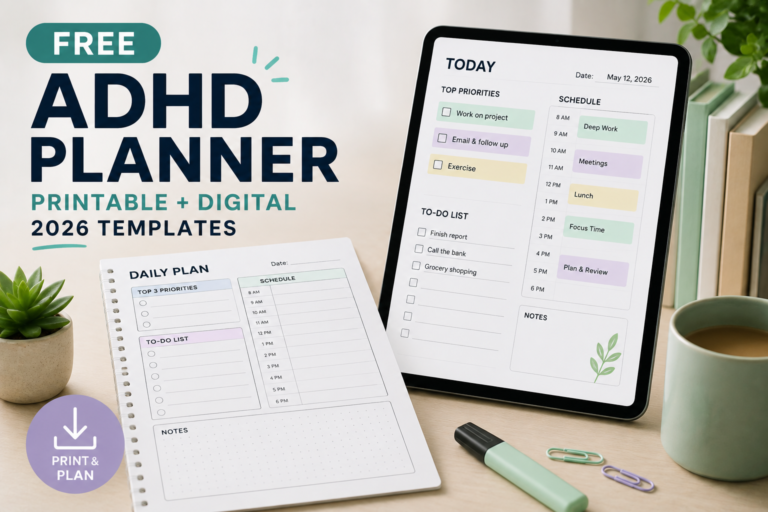
[…] Download the Free PDF […]
[…] For capturing unrelated tasks that interrupt work, see our brain dump worksheet. […]
[…] worries increases distress or turns into prolonged planning, move it earlier or leave it out. The brain dump worksheet is an optional organisational resource, not a sleep […]